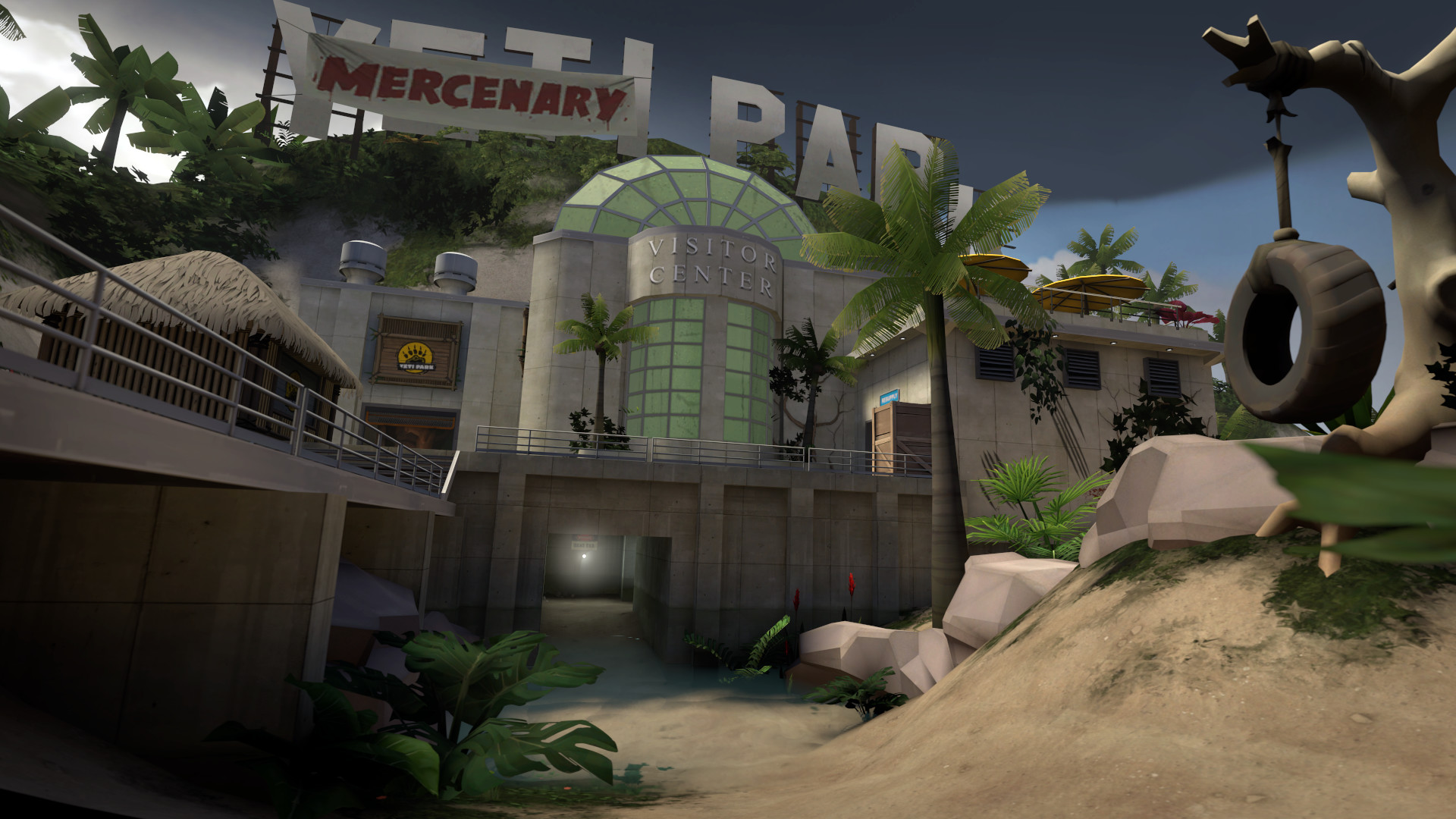
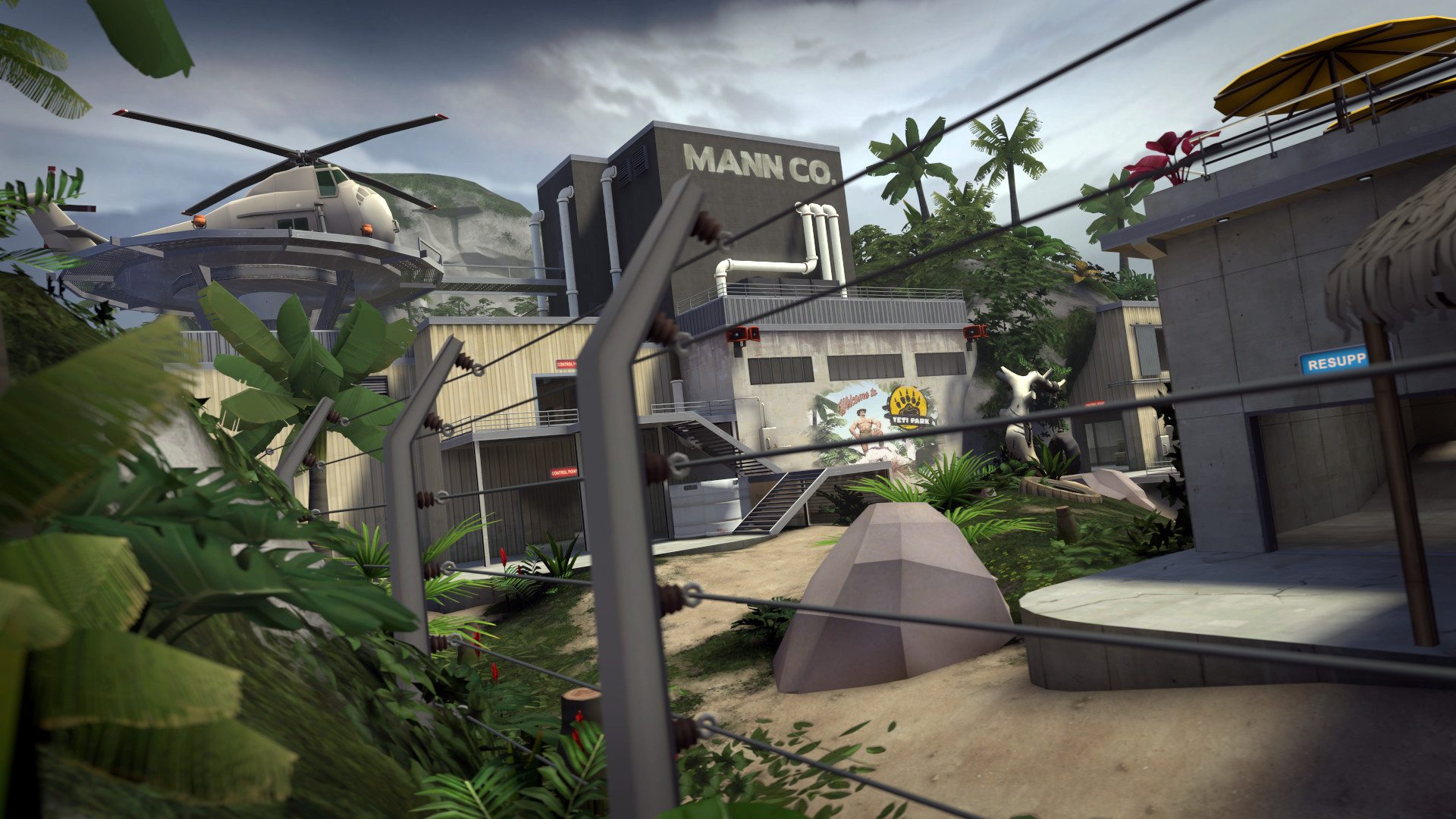
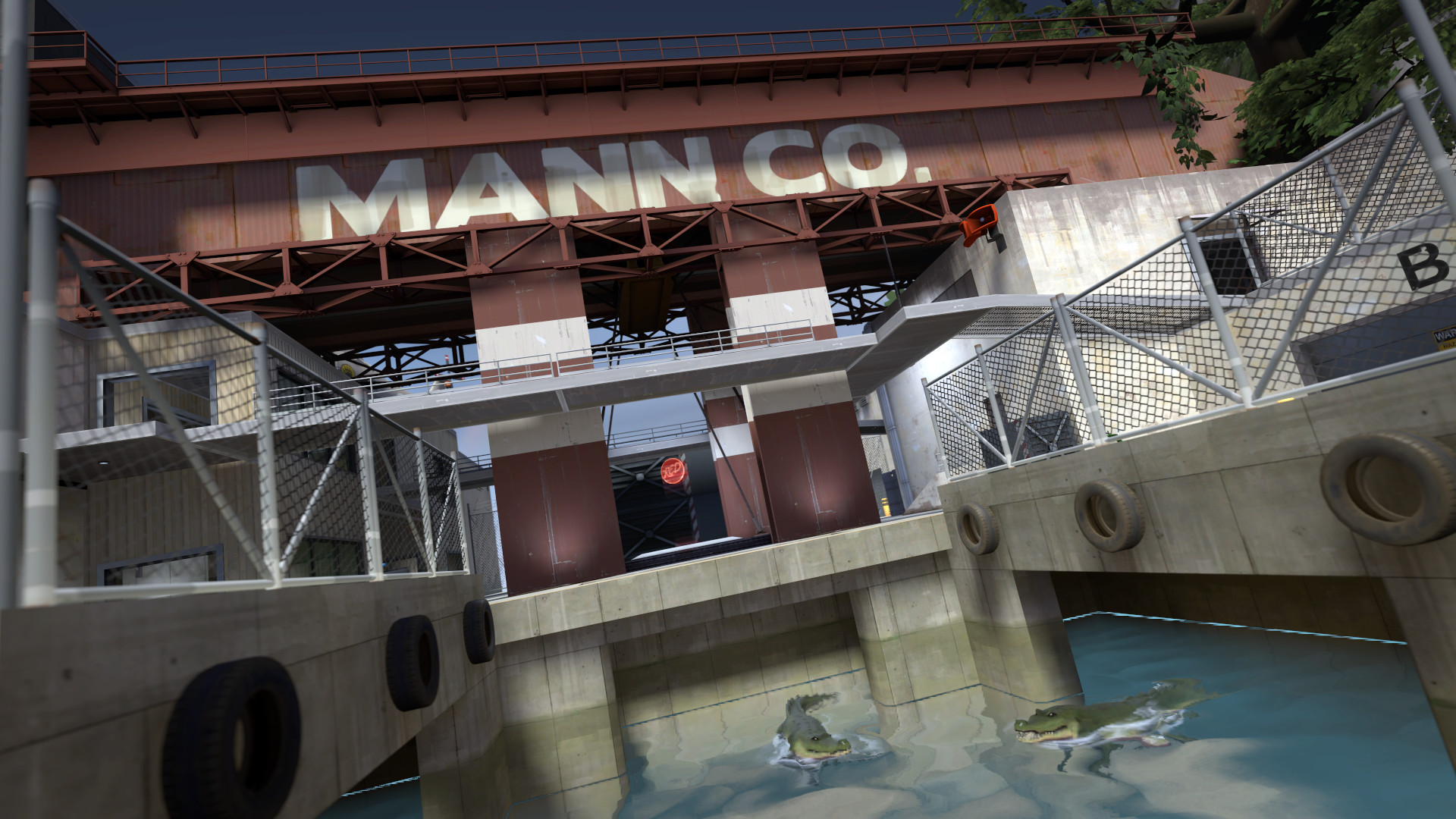
Team Fortress 2 is Valve's legendary class-based FPS that has maintained an active community since 2007 through its unique art style, deep class mechanics, and the hat economy. Nine classes (Scout, Soldier, Pyro, Demoman, Heavy, Engineer, Medic, Sniper, and Spy) each play fundamentally differently, creating a team dynamic where every role contributes uniquely to victory. The game's cartoon art style has aged brilliantly, and the movement mechanics (rocket jumping, sticky jumping, trimping) add skill expression beyond pure aim. While the competitive scene is smaller than its peak, casual servers remain populated and community servers host everything from custom game modes to trading hubs. TF2 is free-to-play with cosmetic trading economy.
Starting Team Fortress 2 can feel overwhelming. This guide tells you exactly what to focus on during your first hours so you don't waste time on things that don't matter yet. For the full progression path, see our walkthrough.
What Kind of Game Is This?
Team Fortress 2 is a fps game built around class-based combat and objective modes.
What to expect: Time investment in learning mechanics, experimentation, and gradual mastery.
Choosing Your First Role
| Role | Beginner Rating | Why |
|---|---|---|
| Scout | Excellent for beginners | Flank enemy positions, pick off low-health targets, capture points at double speed, avoid direct confrontation with Heavy/Sentry. |
| Soldier | Good (but demanding) | Rocket jump to high ground for advantage, bomb the enemy Medic before Uber, use splash damage for area denial. |
| Pyro | Situational | Ambush enemies around corners with flames, airblast rockets and grenades back at shooters, spy-check all teammates. |
| Heavy | Excellent for beginners | Hold positions with the Minigun, eat Sandvich to self-heal or throw to Medic, receive Uber for unstoppable pushes. |
| Engineer | Excellent for beginners | Build sentries at strategic positions, maintain dispenser for team support, place teleporters connecting spawn to frontline. |
Our recommendation: Start with Soldier. The most versatile class with rocket jumping mobility, 200 HP, and the Rocket Launcher's 90-112 damage per rocket. Soldiers can be played aggressively (bombing the Medic) or defensively (area denial). Rocket jumping gives unmatched vertical mobility.
Avoid Engineer as your first pick. Builds sentry guns, dispensers, and teleporters. Once you're ready, check our classes guide for all options.
First Session Step-by-Step
Step 1: Learn class-based combat
Nine classes divided into Offense (Scout, Soldier, Pyro), Defense (Demoman, Heavy, Engineer), and Support (Medic, Sniper, Spy). Each class has unique health, speed, weapons, and abilities. Class switching is free and encouraged. Adapting your class to counter the enemy team is fundamental strategy.
This is the foundation. Spend your first 15-30 minutes getting comfortable with how class-based combat works before worrying about anything else. Our combat guide breaks this down further.
Step 2: Head to 2Fort
The iconic Capture the Flag map with two symmetrical forts separated by a bridge and a moat. Not competitively viable but beloved for its casual, chaotic gameplay. Snipers dominate the bridge sightline. Spy plays through the sewers.
See our maps guide for all locations.
Step 3: Get Your First Upgrade
Look for Rocket Launcher: it's the most accessible early upgrade. Soldier's primary firing rockets that deal 90-112 damage with splash radius. Rockets travel at 1100 units/second. Fast but dodgeable. Splash damage means you don't need direct hits. Rocket jumping (shooting at your feet while jumping) propels you across the map.
Step 4: Understand objective modes
Control Points (capture zones sequentially), Payload (push a bomb cart along a track), Capture the Flag, King of the Hill (single control point), and Attack/Defend variations. Each mode creates different strategic dynamics. Payload is the most popular competitive format.
Invest time here early.
Step 5: Push to Dustbowl
A three-stage Attack/Defend map with tight corridors and chokepoints. Engineering sentries control these chokepoints until Ubercharged pushes destroy them. Dustbowl teaches the fundamental attack/defend dynamic of TF2.
Essential Mechanics Explained
class-based combat
Nine classes divided into Offense (Scout, Soldier, Pyro), Defense (Demoman, Heavy, Engineer), and Support (Medic, Sniper, Spy). Each class has unique health, speed, weapons, and abilities. Class switching is free and encouraged. Adapting your class to counter the enemy team is fundamental strategy.
objective modes
Control Points (capture zones sequentially), Payload (push a bomb cart along a track), Capture the Flag, King of the Hill (single control point), and Attack/Defend variations. Each mode creates different strategic dynamics. Payload is the most popular competitive format.
item trading economy
TF2's cosmetic items (hats, unusual effects, weapon skins) have real monetary value traded through the Steam marketplace and third-party sites. Unusual hats with rare effects trade for hundreds of dollars. The economy is self-sustaining with supply from crate unboxing and demand from collectors.
uber charge mechanics
The Medic builds UberCharge by healing teammates, reaching 100% after 40 seconds of continuous healing. Activating UberCharge grants 8 seconds of invulnerability to both the Medic and their heal target. Uber timing and usage is the most important team-level mechanic. An Uber advantage wins pushes.
sentry building
The Engineer builds sentry guns, dispensers (health/ammo), and teleporters. Sentries auto-target enemies with 100% accuracy and scale through 3 upgrade levels. Level 3 sentries are devastating but require metal (ammo resource) and maintenance. Sentry placement defines defensive positions on every map.
Common Beginner Mistakes
1. Playing Sniper or Spy when the team needs classes that push objectives
A team of 4 Snipers and 3 Spies loses every game. Play what the team needs. Usually Medic, Soldier, or Demo.
2. Not protecting your Medic
The Medic is the most valuable player on the team. If enemies are diving your Medic and no one turns around to help, you lose the Uber advantage and the fight.
3. Building sentries in predictable spots
Experienced players pre-aim known sentry positions. Move sentries between lives to locations the enemy doesn't expect.
4. Walking predictably in straight lines
Rocket and pipe direct hits require predicting movement. Strafe erratically, change direction randomly, and jump occasionally to dodge projectiles.
5. Not using voice chat or text chat for callouts
Calling 'Spy behind' or 'Uber at 80%' gives your team critical information that wins rounds. Even casual games benefit from basic communication.
First 5 Hours Checklist
- Understand class-based combat and objective modes
- Choose Soldier as starting role
- Clear 2Fort main content
- Acquire Rocket Launcher or equivalent upgrade
- Reach Dustbowl
- Medic builds Uber faster on hurt teammates (maximum rate is 2.5% per second on players below 142.5% health). Soldiers can damage themselves with rocket jumps to speed up their Medic's Uber build.
- Spy-check teammates by shooting them. Spies disguised as your team take damage from your bullets but allies don't. If a teammate takes damage from your shot, they're a Spy. Pyro flames reveal Spies instantly.
Tips for New Players
- Medic builds Uber faster on hurt teammates (maximum rate is 2.5% per second on players below 142.5% health). Soldiers can damage themselves with rocket jumps to speed up their Medic's Uber build.
- Spy-check teammates by shooting them. Spies disguised as your team take damage from your bullets but allies don't. If a teammate takes damage from your shot, they're a Spy. Pyro flames reveal Spies instantly.
- Sentries track with 100% accuracy and have no damage falloff. Never peek a sentry. It will hit you before you can react. Destroy sentries with Uber pushes, Demo stickies from around corners, or Spy saps.
- Rocket jumping (shoot a rocket at your feet while jumping) is the most important Soldier mechanic. It provides unmatched mobility, enabling you to bomb the enemy Medic or reach any high ground instantly.
- Airblast as Pyro reflects projectiles and extinguishes burning allies. Reflecting a rocket deals minicrits (135% damage). Airblast is so valuable that stock flamethrower (better airblast) beats all alternatives for competitive play.
- The Sandvich (Heavy secondary) heals 300 HP when eaten (4 seconds) or can be thrown to heal a teammate for 150 HP. Throwing Sandvich to your Medic saves their life and maintains the Heavy-Medic combo.
- Dead Ringer Spy feigns death with a fake corpse and 75% damage resistance for 6.5 seconds. If you 'kill' a Spy but their body has no nameplate, they're using Dead Ringer. Chase and finish them.
- Demo sticky traps (placing 2-3 stickies on a chokepoint) deal 120 damage each on detonation. Pre-placed sticky traps deny areas and one-shot most classes. Check for stickies before pushing through doors.
- Teleporters are the most under-appreciated Engineer building. A teleporter from spawn to frontline saves 15-20 seconds per player per life, compounding into massive team advantage over the match.
- The Kritzkrieg Uber gives 100% critical hit chance instead of invulnerability. Kritz on a Demoman or Soldier wipes entire teams. Counter Kritz with standard Uber invulnerability timed to activate as theirs does.
Frequently Asked Questions
Is TF2 still active in 2026?
Yes, with consistent daily player counts in the tens of thousands. Valve's bot mitigation updates improved the casual experience. Community servers thrive with custom modes, trading, and competitive play.
Is TF2 free to play?
Yes, completely free. Free accounts have limited inventory space and can't trade items initially. Spending any amount in the Mann Co. Store upgrades to a premium account, removing all restrictions.
What is the best class in TF2?
Medic has the highest team impact through Uber. Soldier is the most versatile combat class. Scout has the highest individual skill expression. There is no objectively best class. Each fills a unique role and can dominate in the right hands.
Does TF2 have a competitive mode?
Yes, both official matchmaking and community competitive leagues (RGL, ETF2L). The competitive format is 6v6 (limited class counts) or Highlander (one of each class). Community competitive has a welcoming scene for new players.
Similar Games
If you enjoy Team Fortress 2, check out these related guides:
- Counter-Strike 2 Beginner's Guide: fps game with similar mechanics
- Apex Legends Beginner's Guide: fps game with similar mechanics
- Rainbow Six Siege Beginner's Guide: fps game with similar mechanics