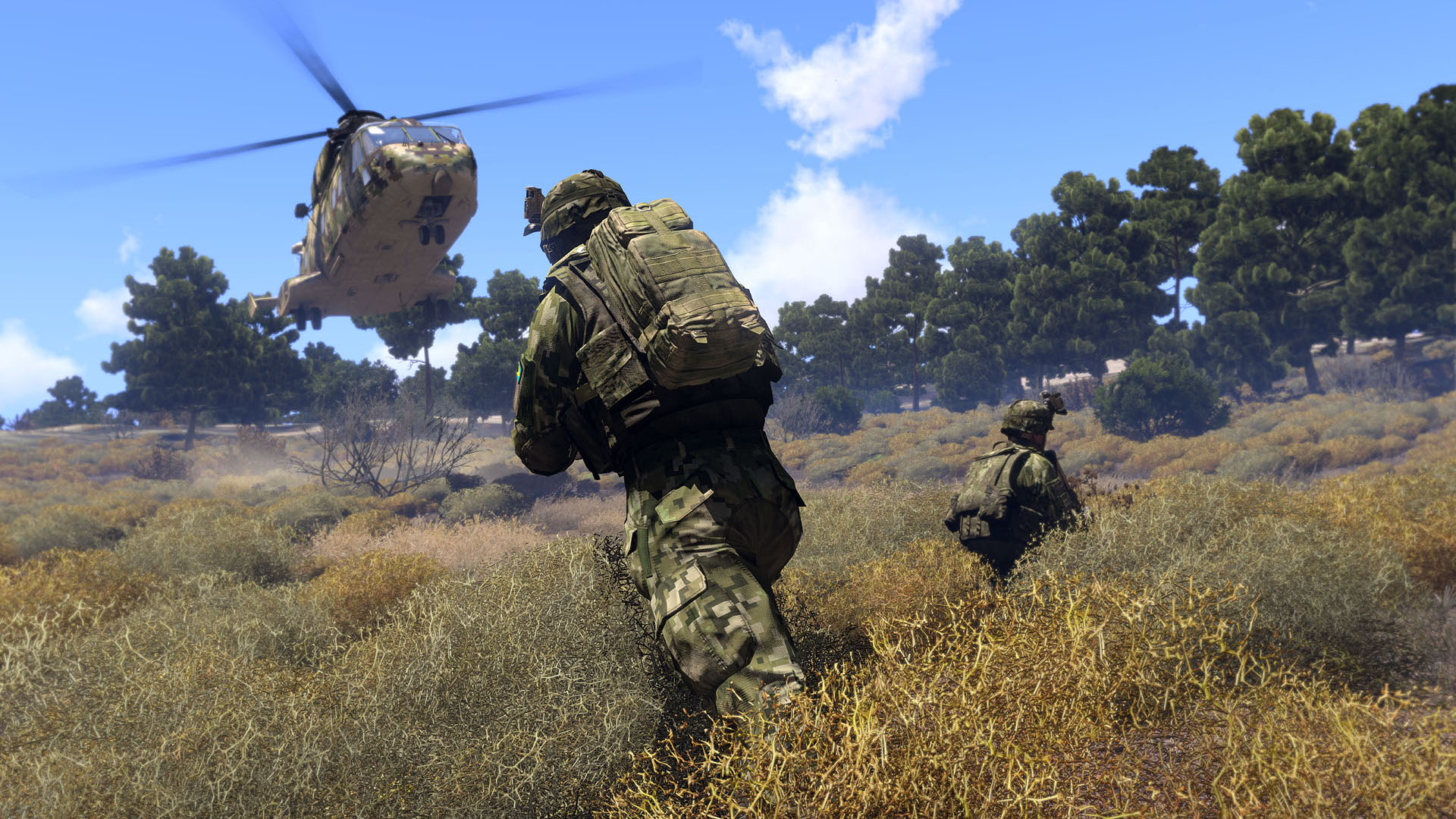
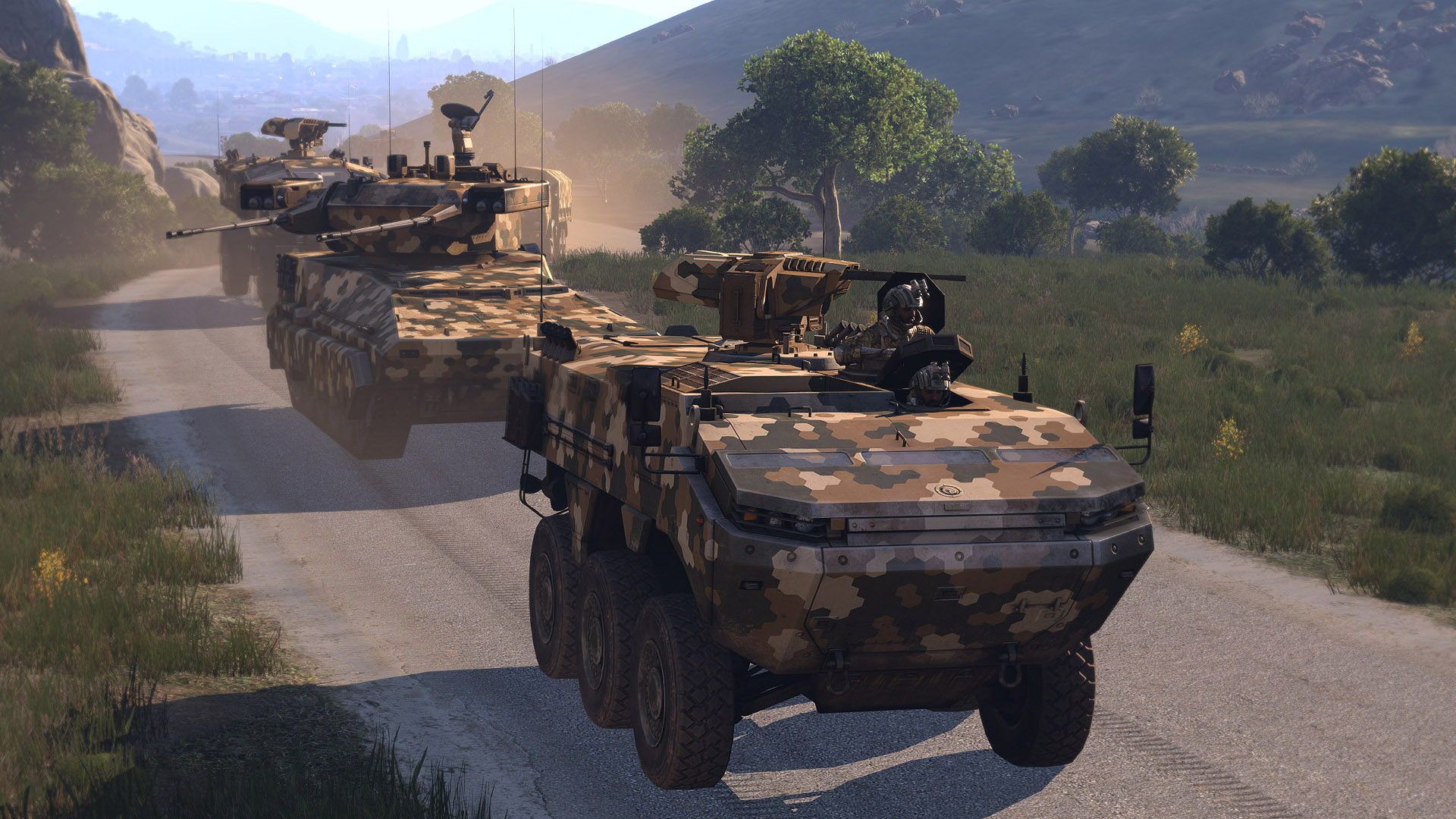
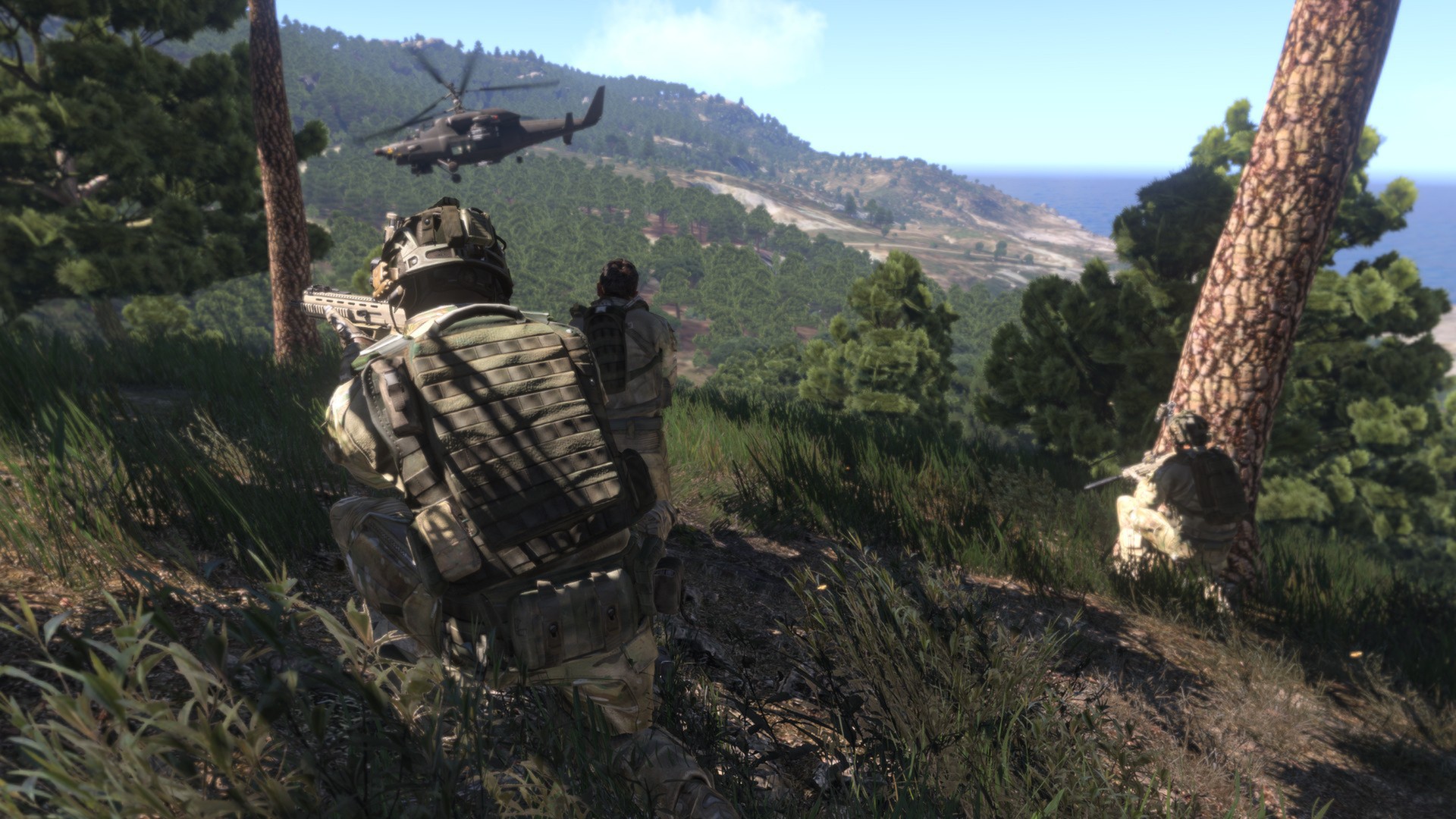
Arma 3 is Bohemia Interactive's military simulation that has defined the milsim genre for over a decade. Set in the near-future Mediterranean, it offers unparalleled combined arms warfare across massive open maps with realistic ballistics, vehicle physics, and squad tactics. The game's longevity comes from its legendary mod support. Community mods have created everything from Vietnam War scenarios to zombie survival to Star Wars conversions. While the Enfusion engine successor (Arma Reforger/Arma 4) exists, Arma 3 remains the most content-rich military simulator available, with thousands of workshop mods and an active multiplayer community in 2026.
If you're just starting, check our beginner's guide first.
Essential Tips
1. Install ACE, TFAR/ACRE, and CBA mods for the intended Arma 3 experience
Vanilla Arma is functional but these mods add critical depth to medical, communication, and weapon handling.
2. Use cover religiously
Use cover religiously. Arma's ballistic model means exposed soldiers die in 1-2 hits. Move between cover points, never cross open ground without suppression or smoke.
3. Learn the ACE medical system thoroughly: tourniquets stop limb bleeding
Temporarily, bandages fix wounds permanently, morphine manages pain, blood bags restore lost blood, epinephrine revives unconscious patients.
4. Communication wins in Arma
Call out contacts with bearing, distance, and description: 'Infantry, bearing 045, 300 meters, in the treeline.' Vague callouts waste time and get people killed.
5. Zeus mode (game master) is the best way to create memorable Arma experiences
One player controls AI spawning and objectives while others play the mission. No two sessions play the same.
6. Zeroing your scope (Page Up/Down) is essential for shots beyond 200 meters
A 500-meter shot with a 200-meter zero will sail over the target's head.
7. Helicopter piloting uses proper flight model physics
Practice in the editor for hours before attempting multiplayer helicopter piloting. A crashed helicopter kills the entire squad.
8. Lower terrain detail and object draw distance for better FPS in multiplayer
Arma 3's engine struggles with many players. Performance optimization is necessary.
9. Antistasi is the best community game mode for persistent guerrilla warfare gameplay
Capture territory, build an army, and liberate the island over multiple sessions.
10. The scenario editor is powerful and worth learning
Creating custom missions for your group transforms Arma from a game into a military simulation platform.
Advanced Strategies
Role Optimization
The difference between an average build and an optimized one is massive. See our builds guide for full breakdowns.
-
The fundamental infantry role carrying a standard assault rifle and extra ammunition for the squad. Every Arma player should master Rifleman first. Understanding infantry movement, cover usage, and engagement ranges is the foundation for every other role.
-
Core gear: MX Rifle with ACOG, 10 magazines, smoke grenades, first aid kit
-
Stat priority: Marksmanship, Movement Discipline, Communication
-
Carries the squad's light machine gun (MX SW or Zafir) for suppressive fire. The autorifleman's job is pinning enemies behind cover so the rest of the squad can maneuver. Sustained accurate fire is more valuable than kills.
-
Core gear: SPMG or Zafir LMG, 600+ rounds, bipod
-
Stat priority: Suppression Accuracy, Ammo Discipline, Position Selection
Mechanic Interactions
Understanding how Arma 3's systems interact is where the real optimization lives. Our combat guide covers this in detail.
military simulation + combined arms warfare: Arma 3 simulates warfare at a level unmatched by other games. Combined with combined arms warfare, infantry, armor, artillery, helicopters, and fixed-wing aircraft all operate simultaneously on the same battlefield.
mod support + scenario editor: The Steam Workshop hosts over 70,000 mods for Arma 3. When paired with scenario editor, the built-in editor allows creating custom missions, campaigns, and game modes.
realistic ballistics scaling: Each ammunition type has real-world modeled performance. Velocity, mass, drag coefficient. A 5.56mm round drops significantly at 600 meters while a .338 Lapua maintains energy at 1200 meters. Armor penetration depends on ammunition AP rating vs. armor class. Zeroing your scope to the correct distance is essential for long-range shooting.
Weapons Efficiency
| Weapon | Best Use Case | Why |
|---|---|---|
| MX Rifle | Rifleman, Medic, Engineer | The NATO standard 6. |
| Katiba | Rifleman (CSAT faction) | The CSAT standard 6. |
| Mk18 ABR | Sniper, Designated Marksman | A 7. |
| SPMG | Autorifleman | . |
| Titan MPRL | Anti-Armor/Anti-Air specialist | Multipurpose guided missile launcher capable of engaging vehicles and aircraft. |
Location Efficiency
Altis (All skill levels): The primary 270 km² Mediterranean island with diverse terrain: towns, military bases, salt flats, dense forests, and mountain ranges. The most popular map for large-scale operations and persistent multiplayer modes like Antistasi.
Stratis (Beginner-Intermediate): A smaller 20 km² island ideal for infantry-focused operations and learning the game. Concentrated terrain means engagements happen faster. Many training scenarios and beginner servers use Stratis.
Tanoa (Intermediate-Advanced): A tropical Pacific island with dense jungle vegetation and inter-island waterways. The Apex DLC map features the most challenging terrain for navigation and visibility. Jungle warfare favors close-range engagements and ambush tactics.
Livonia (All skill levels): A 163 km² Eastern European terrain with forests, farmland, and a contaminated zone. The Contact DLC map features the first-person shooter alien contact campaign. Dense forests create the best infantry combat terrain.
Malden (All skill levels): A free 62 km² island based on the original Operation Flashpoint map. Nostalgic terrain with modernized graphics. Good balance of open fields and towns. The Combat Patrol mode uses Malden as its primary map.
Mistakes Even Veterans Make
- Running and gunning like a regular FPS. Arma punishes aggressive movement with death. Move slowly, use cover, and think about your route before crossing open ground.
- Not learning keybindings. Arma has dozens of context-sensitive controls for stances, weapon resting, optic adjustment, and interaction. Spend time in the tutorials.
- Joining a milsim unit without understanding basic infantry tactics. Learn bounding overwatch, fire and movement, and contact drills before joining organized play.
- Ignoring the stamina system. Carrying too much weight means you can't sprint when it matters. Balance gear weight against mobility needs.
- Trying to fly helicopters in multiplayer without extensive practice. Physics-model helicopter crashes kill passengers and waste valuable team assets.
Pro Quick Tips
- Install ACE, TFAR/ACRE, and CBA mods for the intended Arma 3 experience. Vanilla Arma is functional but these mods add critical depth to medical, communication, and weapon handling.
- Use cover religiously. Arma's ballistic model means exposed soldiers die in 1-2 hits. Move between cover points, never cross open ground without suppression or smoke.
- Learn the ACE medical system thoroughly: tourniquets stop limb bleeding temporarily, bandages fix wounds permanently, morphine manages pain, blood bags restore lost blood, epinephrine revives unconscious patients.
- Start with Autorifleman, switch to Rifleman when ready
- Invest in MX Rifle above everything else
- Clear areas in order: Altis → Stratis → Tanoa → Livonia → Malden. See our maps guide
- military simulation + combined arms warfare together are stronger than either alone
Similar Games
If you enjoy Arma 3, check out these related guides:
- Counter-Strike 2 Tips & Tricks: fps game with similar mechanics
- Apex Legends Tips & Tricks: fps game with similar mechanics
- Rainbow Six Siege Tips & Tricks: fps game with similar mechanics